Nintendo Switch Emulator Dumps: Formats a Desktop Player Reads
Desktop playback tools do not read cartridges. They read files, and only some shapes of file. Here is what those shapes are and what has to sit beside them.
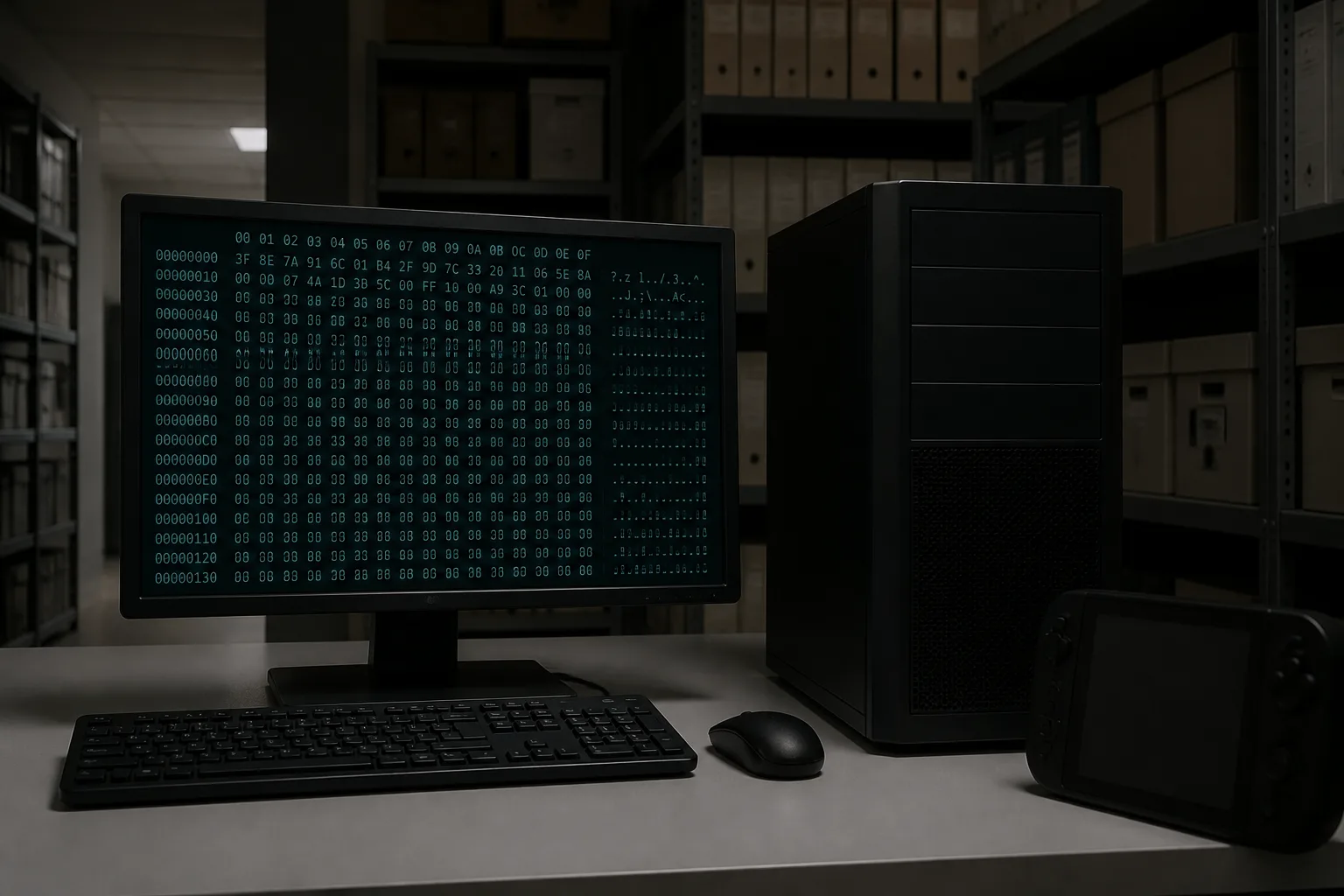
What a desktop player actually consumes
A desktop nintendo switch emulator has no cartridge slot, no controller chip to interrogate, and no system partition to fall back on. It has a file, and whatever you have placed beside that file. Everything that goes right or wrong downstream follows from that single limitation, so it is worth being precise about which shapes of file exist and what each one carries.
Two families cover the catalog. A cartridge image is a copy of a retail card including its layout, which means it arrives with the structure a console expects to find in a fixed order. An installable package holds title content in the arrangement a console keeps internally after a purchase is filed away, with no card layout to preserve because there never was a card. The differences at table level are already written up on Read NSP versus XCI, so this page stays on what a desktop tool does with each.
Why the file is only half the input
Content on retail media is encrypted, and a dump preserves that state instead of stripping it. So a file on its own is a sealed box. Something has to derive the same key material the console derives, and that material originates on hardware, not in the download. It is not embedded in the dump, it does not ship with a listing, and a file that will not open is far more often a missing input than a corrupt copy.
The practical consequence is that two people can hold identical files and get different outcomes, and neither dump is at fault. Before you conclude a file is bad, confirm that the supporting material you are feeding the tool matches the era the content was built in.
Base title, patch, and add-on content are three files
People expect one file per game. The system does not work that way. A base title is one identifier, a patch is another, and each block of add-on content is another still. Each has its own version number and its own release date, and they are combined at runtime rather than merged into a single object on disk.
That is why a listing can be accurate and still leave you short. If the field says base title and nothing else, a patch released two years later is simply not there. If a package is described as an update, it needs the matching base underneath it before anything will run. Read the fields as a parts list, not as a headline.
Installer programs such as DBI and Tinfoil exist in this space as the tools some backup workflows use to place packages onto a console; they generally accept the installable package family rather than cartridge images. That is a fact about what kind of program they are, not an instruction to run one.
Verifying before you blame the file
Every listing carries a checksum. Running it takes a minute and rules out the whole category of transfer damage, which is the only failure a file can genuinely be responsible for. If the hash matches, the bytes you have are the bytes that were published, and the remaining variables are all on your side of the wire.
After that, the useful checks are ordinary. Confirm the container type is one your tool reads. Confirm the version field matches what you meant to fetch. Check the firmware field, which describes the system version the content was built against rather than anything about your machine; we unpack that distinction in our notes on console version versus build target.
What a file cannot promise
A dump reproduces data. It does not reproduce a console. Timing, background services, storage behavior, and the way hardware answers a request are all supplied by the machine the software was written for, and none of that travels inside a file. A byte-perfect copy can therefore behave unlike the retail article, and that gap is not evidence of a bad dump.
Storage is the other quiet variable, especially when large cartridge images are involved; sizing is covered separately in card capacity and dump sizes. If a catalog entry contradicts itself or a checksum will not match after a clean transfer, Report an issue and include the field you disagree with.