Nintendo Switch SD Card Capacity and Dump Sizes
Cards are sold by capacity, but the number that bites you is the per-file limit of the filesystem on them. Here is how the two interact.
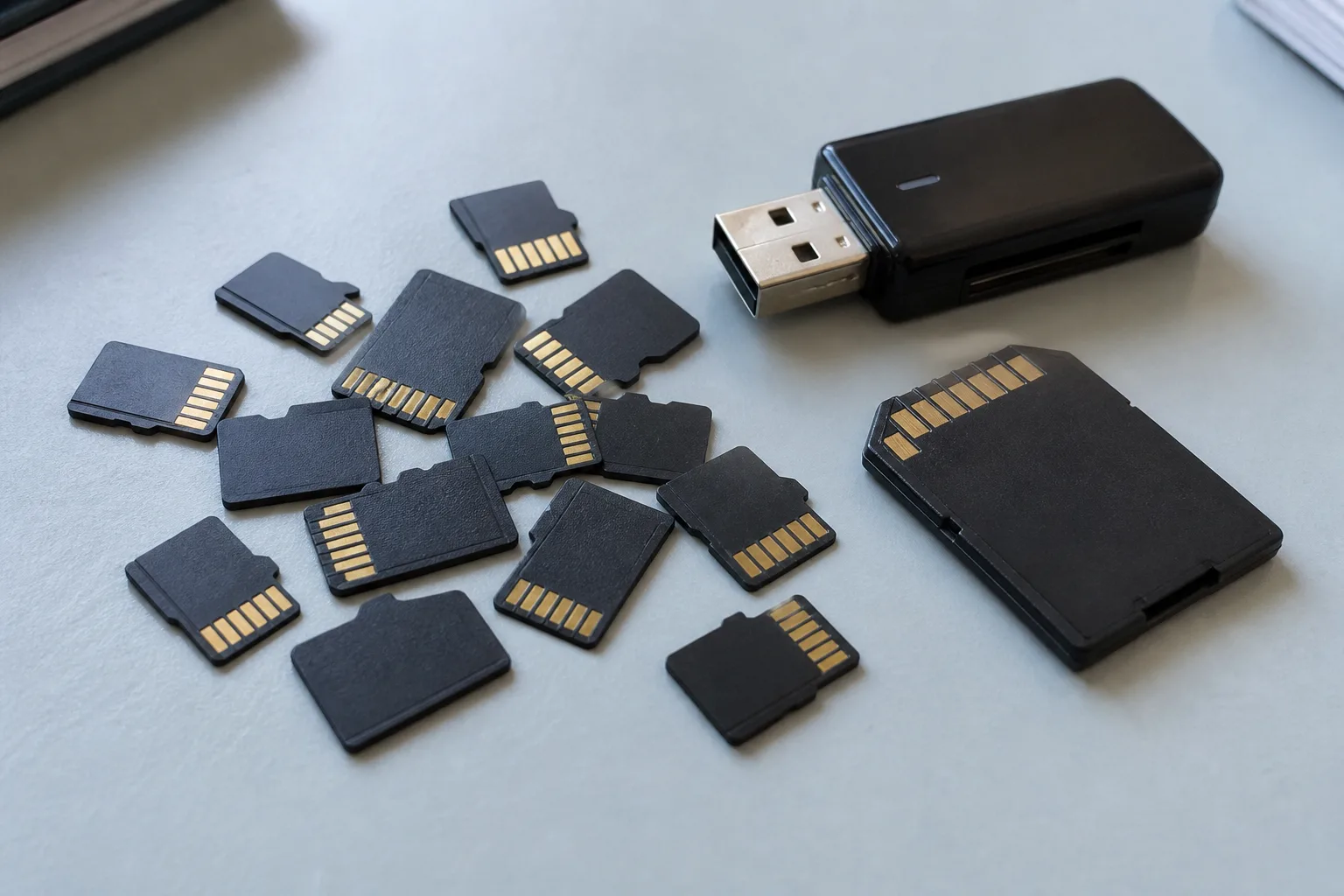
Capacity is the number on the label, not the one that stops you
Buying a bigger nintendo switch sd card solves fewer problems than people expect, because two different limits are in play and only one of them is printed on the packaging. Capacity is how much the card holds in total. The per-file ceiling is a property of the filesystem written onto it, and that is the limit that refuses a copy while a status bar still shows plenty of room left.
Cards ship formatted according to their class. Media up to thirty-two gigabytes is conventionally FAT32. Larger cards arrive as exFAT out of the box. Those defaults, not the capacity itself, decide whether a single large file is allowed to exist.
The four gigabyte wall on FAT32
FAT32 records file length in a thirty-two bit field. The arithmetic ceiling is therefore one byte short of four gibibytes, and there is no setting, tool, or card that raises it. Any single file at or above that size is simply not representable on the volume.
Because plenty of dumps exceed it comfortably, the ecosystem settled on splitting. A package is written as a folder bearing the package name, containing sequentially numbered parts, each kept under the ceiling. Software that knows the convention reassembles the folder logically and treats it as one object; software that does not just sees a folder of fragments.
Two failure modes come from mishandling this. Renaming a part, or copying only some of them, produces an object that looks present and is not. And copying a split folder onto exFAT does not merge it back into one file, which surprises people who assume the reformat fixed something retroactively.
What exFAT buys and what it costs
exFAT lifts the per-file ceiling far past anything a dump will reach, which is the entire reason anyone reformats. It is also the default on larger cards, so many people are already using it without having chosen it.
The cost is resilience. exFAT keeps less redundant bookkeeping than FAT32, so a write interrupted by a power loss or a card pulled mid-operation is more likely to leave the volume needing repair, and repair on a filesystem with thin metadata is less forgiving. Nothing about that is exotic; it just means an exFAT card wants clean ejects and a copy of anything you cannot lose.
Reformatting erases the volume. Move what matters off the card first, including saves, which live nowhere else if you have not exported them.
Parking a cartridge image on a card
A cartridge image is a copy of a retail card including its layout, so it inherits the manufactured capacity of that media. Retail cards are produced in a small set of fixed sizes, and an untrimmed image carries the padding that came with the size it was made at. This is why an image can be far larger than the content it holds, and why the file that fails to copy is usually this one rather than a package.
Stored on a memory card, an image is an ordinary file. It occupies space, it is subject to the same per-file rules as anything else, and it does not become a slot. If you want the format comparison rather than the storage math, that lives on Read NSP versus XCI, and the catalog side is at Browse XCI files.
Sizing a card without guessing
Start from the media, not from title names. Look at the manufactured capacity of what you are copying, decide whether images will be trimmed or kept whole, and add the packages you intend to keep beside them. Then add headroom, because saves, temporary files during a transfer, and the next thing you dump all need somewhere to go, and a card run to the rim behaves badly.
Two adjacent questions come up constantly at this point and are answered elsewhere: what the files themselves actually are, in dumps versus cartridges, and what the version field on a listing is describing, in firmware fields on a listing. If a size shown in the catalog does not match what lands on your disk, Report an issue.