Title ID on Nintendo Switch
Sixteen hex digits identify a product, not a file. Learn to read the pattern and pull the value from metadata instead of trusting a name someone typed.
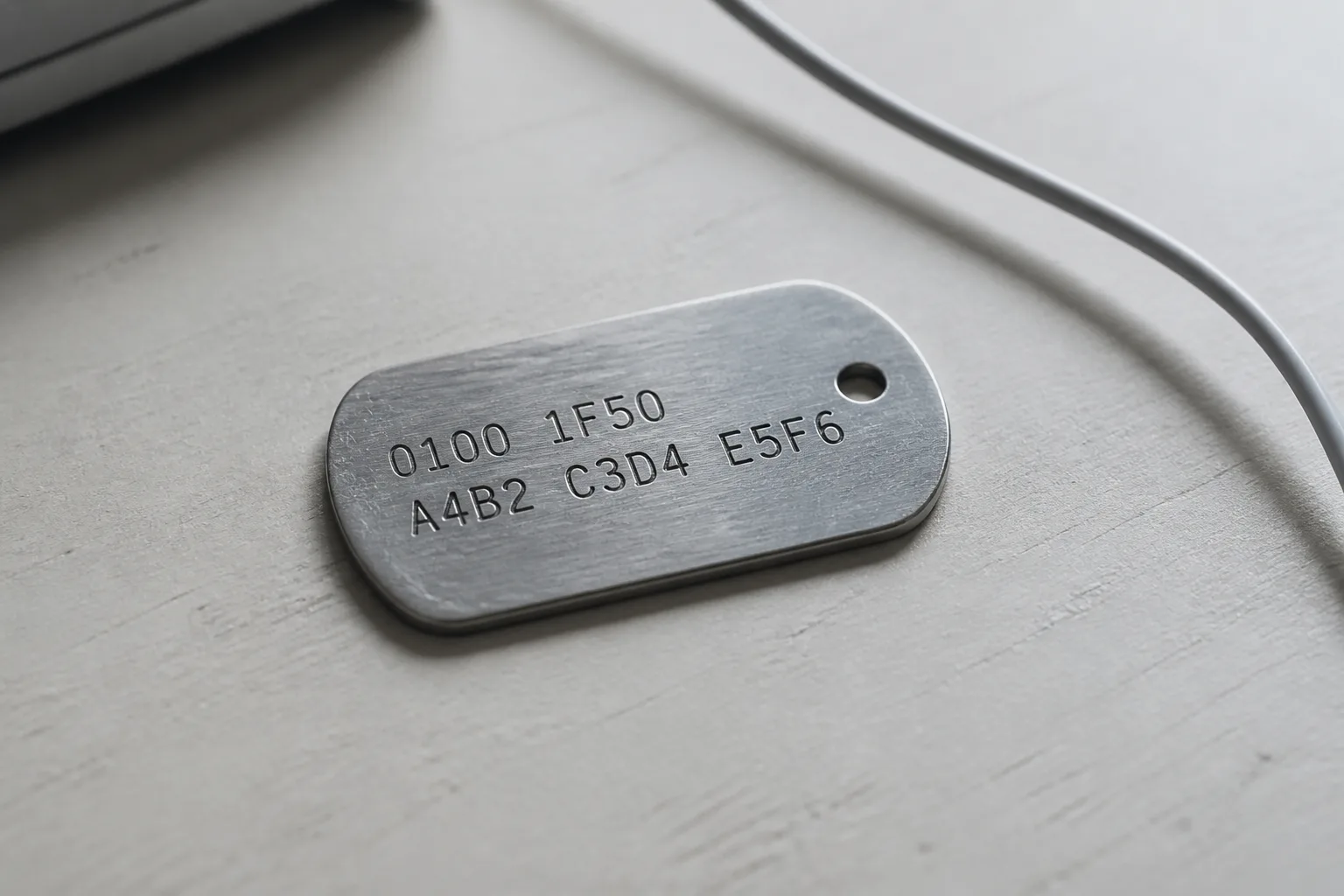
What the identifier is
A Title ID is a sixteen digit hexadecimal label that names a product on the platform. Written out, it is a 64-bit number printed in full with leading zeros intact, usually in uppercase, and it appears without spaces or separators. It identifies the product, not the file in front of you: two copies of the same base title carry the same value even if their filenames, their timestamps, and their hashes all differ.
That is the point of it. Names change in transit, and language and region variants of a name multiply, but the identifier stays fixed and machine readable.
How the digits are arranged
Read the string in two halves. The leading digits identify the product family and the publisher's allocation; retail products very often begin with 0100, which is a pattern worth recognizing rather than a guarantee about any given release. The trailing digits carry the role the product plays inside its family.
- A base title conventionally ends in three zeros.
- An update is derived from its base and differs only near the end of the string.
- Add-on content occupies a range just past the base, one slot per piece.
Those conventions are what let a console line up a patch with the software it patches. They are conventions, though, and reading the value out of the file beats reasoning about which digits ought to be there.
Where the value is printed
You will meet the same string in several places, and they should agree. Package metadata holds the authoritative copy, which is why installer utilities can display it for a file whose name tells you nothing. Listing entries repeat it as a field. Save data is filed under it on the console, so the folder names you see when backing up saves are these values rather than game names. Card images carry it too, alongside the version, which is one of the checks worth running on a fresh cartridge dump.
When two of those sources disagree, believe the metadata inside the file. A filename is a label somebody typed; the metadata was written by the tooling that built the package.
Why it matters when you organize files
The moment a title arrives as more than one file, the identifier stops being trivia and becomes the thing holding the set together. An update built for one base will not attach to another, and an add-on with no matching base does nothing at all, which is the mechanism behind the split described in the base, update, and add-on breakdown.
It also settles duplicates. Two files with different names, different sizes, and the same identifier and version are the same product packaged twice, and you only need one of them. Sorting a folder tree by identifier rather than by title name makes that obvious in a single pass, and it survives the renaming that happens whenever files move between machines. Save data backups line up the same way, which is covered in the save data notes.
Mistakes that cost people an afternoon
Three errors account for most wasted time. Transcribing by hand introduces the classic confusion between the digit zero and the letter O, and hexadecimal has no letter O, so any string containing one has already been mistyped. Truncating to the first or last eight characters loses exactly the part that distinguishes a base from its patch. And guessing a value from a game's name is not a shortcut but a coin flip, because the digits encode allocation rather than anything about the title.
Copy and paste the string, keep it in a note beside the files, and verify it against the metadata after any move. If a listing field and the file inside it do not agree, Report an issue rather than editing your own copy to match.