Nintendo Switch NSP Files
A title rarely lives in one package. Base, update, and add-on content each ship as a separate NSP, and knowing which is which saves a lot of guesswork.
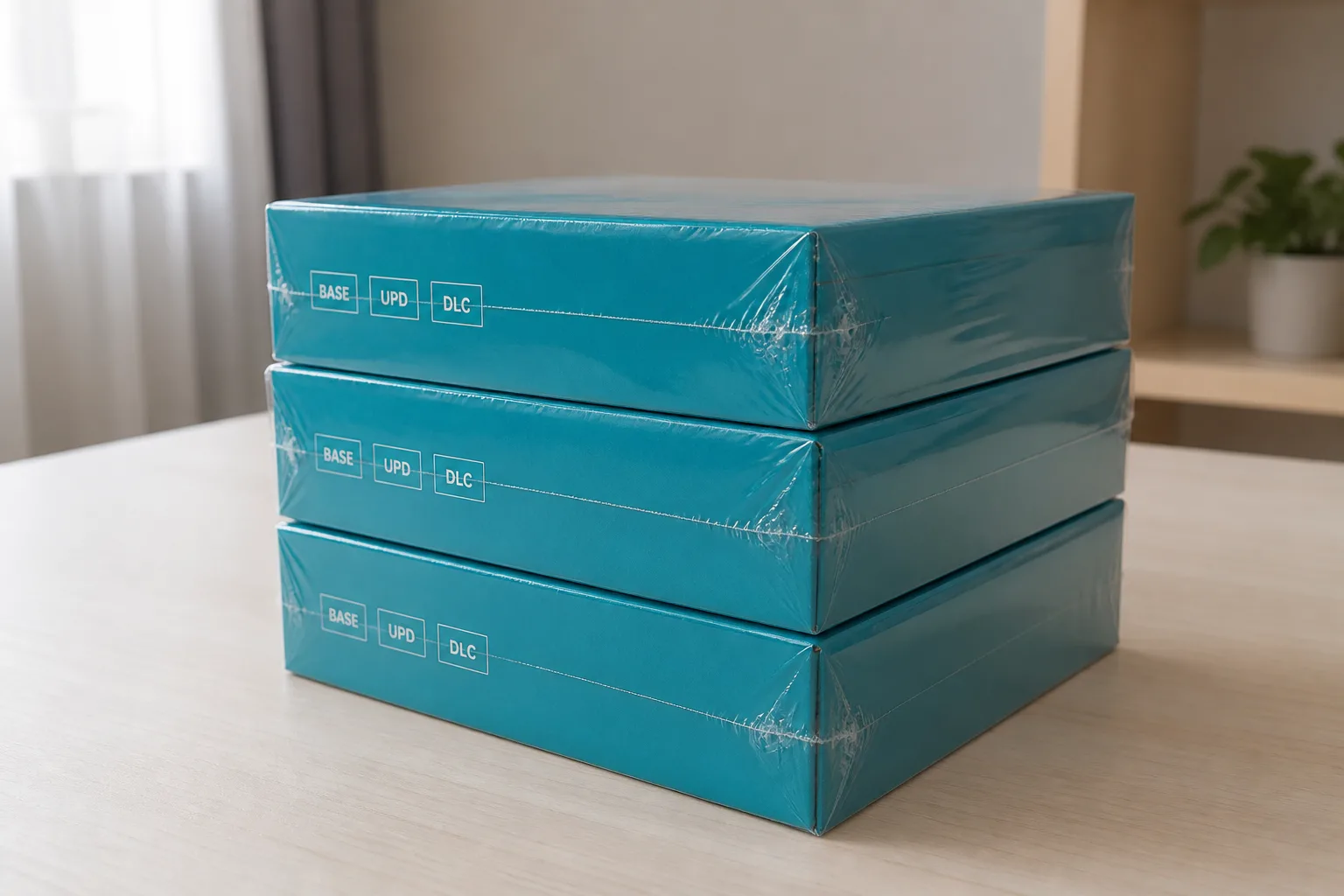
One title, several packages
Nintendo Switch NSP files usually arrive as a group, so anyone expecting a single item per game finds three or four entries instead. That is not a mistake in the listing. The platform treats a base title, its patch, and each piece of add-on content as separate products with separate identifiers, and each one is packaged, signed, and distributed on its own. A package is a container for one of those products, not a bundle of everything a title ever shipped.
Once you accept that split, a set stops looking messy. You are not collecting duplicates of the same game; you are collecting the components the platform itself keeps apart.
The base package
The base is the title as it first shipped. It carries the executable content, the assets, the icon and metadata the console shows on the home screen, and the version the publisher stamped at release. Historically that stamp reads 1.0.0, which is a useful example of the shape rather than a promise about any particular release.
A base stands alone. Install nothing else and you have a working, unpatched title. That makes it the anchor of the set: every other package in the group refers back to the base identifier, and if the base is missing, the rest of the files have nothing to attach themselves to. When you sort a shelf, sort by base first and let the rest follow.
Update packages and version numbers
An update is a patch delivered as its own package. It carries its own identifier, derived from the base, and its own version in the familiar major.minor.patch shape. It does not overwrite the base on disk; it sits next to it and is applied over the top, which is why removing an update returns you to the shipped build rather than breaking the title.
Two habits keep updates tidy. Record the version alongside the file, because a filename that says "latest" ages badly and tells you nothing six months later. And read the version from the package metadata rather than trusting a folder name someone typed by hand. The identifier pattern makes the pairing obvious once you know where the digits live.
Add-on content packages
Add-on content behaves like a small sibling. Each piece is its own package with its own identifier, indexed off the base so the console knows where it belongs. A title with a season of extras produces a run of these, and they are independent of each other: you can hold one and not the next without anything breaking.
- Each add-on attaches to a base identifier, so an orphaned add-on does nothing on its own.
- Some add-ons expect a minimum patch level and stay inert until the matching update is present.
- Numbering in a filename is a convenience someone added, not part of the format.
Because these files are small and numerous, they are the pieces most often lost in a move between drives. Count them when you archive a set.
Keeping a set straight on disk
A folder per title, named for the base identifier, ends most confusion before it starts. Inside it, keep the base, the update, and the add-ons together with a short text note recording versions and the date you verified them. Installer programs such as DBI and Tinfoil accept package files and read that metadata directly, which is another reason to leave the internal fields alone rather than relying on names.
If you are weighing this layout against a whole-card image, Read NSP versus XCI for the format-level comparison, and the cartridge image explainer for what a card carries that a package does not. To pull listings rather than notes, Browse NSP files. If a set looks incomplete on a listing page, Report an issue rather than assuming the entry is wrong.