Nintendo Switch XCI Files
A card dump copies the empty space too. Here is why that padding exists, what trimming takes away, and what it costs you when you go to verify the file later.
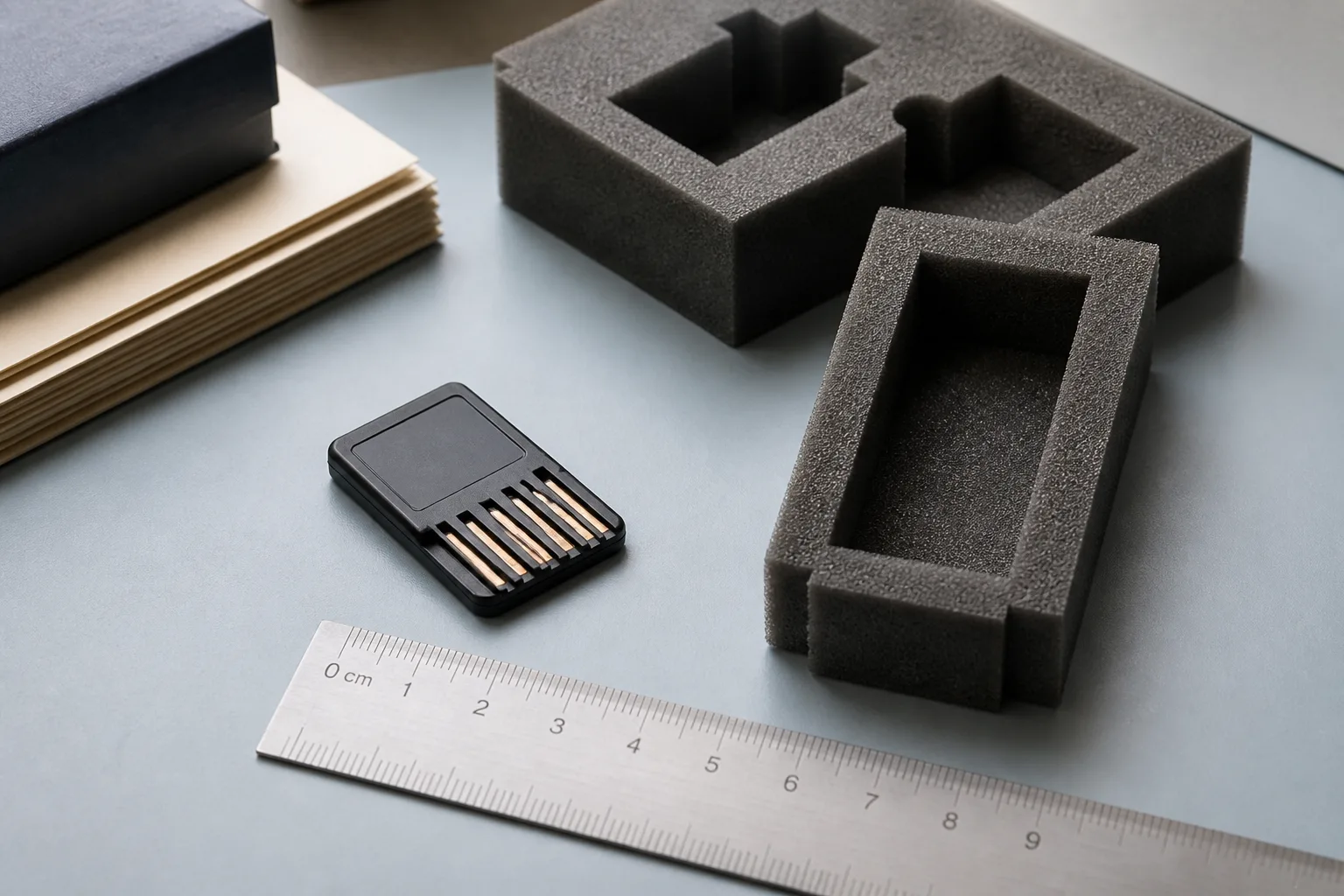
Why the file is bigger than the game
Nintendo Switch XCI files are frequently larger than the title they carry, and the reason is manufacturing rather than sloppy tooling. Game cards come in a small set of fixed capacity classes. A publisher picks the smallest class the title fits into, and whatever room is left over stays on the card as unused area. A dump copies the card, not the game, so that unused area lands in your file alongside everything you actually wanted.
Nothing has gone wrong when this happens. The file simply reflects a physical object with a fixed size, the same way an image of a blank-ended tape is as long as the tape.
What the padding looks like on disk
The filler sits after the last real partition and runs to the end of the card. It is not random. Manufacturers write a repeating pattern there, which is why a padded image compresses far better than its raw length suggests and why a hex view of the tail is monotonous rather than noisy.
Because the padding is at the end, the useful structure is untouched by it. The card header, the partition table, and the regions it points at all live in front. That is the property trimming depends on: you can cut from the tail without moving a single offset that anything else refers to. If you have not read how those offsets are laid out, the cartridge image explainer covers the container itself.
What trimming keeps and what it drops
Trimming is a truncation, not a repack. A trimming tool reads the partition table, works out where the last real region ends, and cuts the file there, usually leaving a marker in the header so a later tool knows the image was shortened deliberately.
- Kept — the card header, the partition table, and every listed region, byte for byte.
- Dropped — the filler between the end of the last region and the end of the card.
- Changed — the total file length, and therefore any hash computed over the whole file.
Nothing is recompressed and nothing is re-signed. That is worth knowing, because it means a trimmed image is not a different edition of the dump. It is the same dump with the empty tail removed.
The trade-off you are actually making
Space is the obvious gain, and on a lightly filled card it is a large one. The cost is comparability. Reference hashes published by preservation projects are computed over untrimmed dumps, so a trimmed copy will never match one, and a mismatch tells you nothing useful about whether the read was clean. If you plan to compare notes with anyone, keep the untrimmed file or at least record its hash before you cut.
There is a second, quieter cost. Padding is the part of a dump that reveals a bad read most cheaply, because a clean tail should be uniform. Cut it away and you lose that signal. None of this makes trimming wrong; it makes it a decision about what the file is for, in the same way the choice between a card image and separate base and update packages is a decision about how you want a title stored.
Labelling a shelf that holds both forms
Mixed shelves cause most of the confusion here, because both forms carry the same title, the same identifier, and often the same filename. Put the state in the folder name or in a short text note beside the file, record the hash for whichever form you consider canonical, and record the date you last verified it. A note costs seconds and settles arguments a year later.
If you are still deciding between whole-card and per-package storage, Read NSP versus XCI. To pull listings instead of notes, Browse XCI files, and if a listing entry disagrees with what you hold, Report an issue.