Nintendo Switch Roms: Dumps, Cartridges, and Digital Packages
A dump is a copy of data you already own, not a shortcut around owning it. Here is how the file, the cartridge, and the digital package differ.
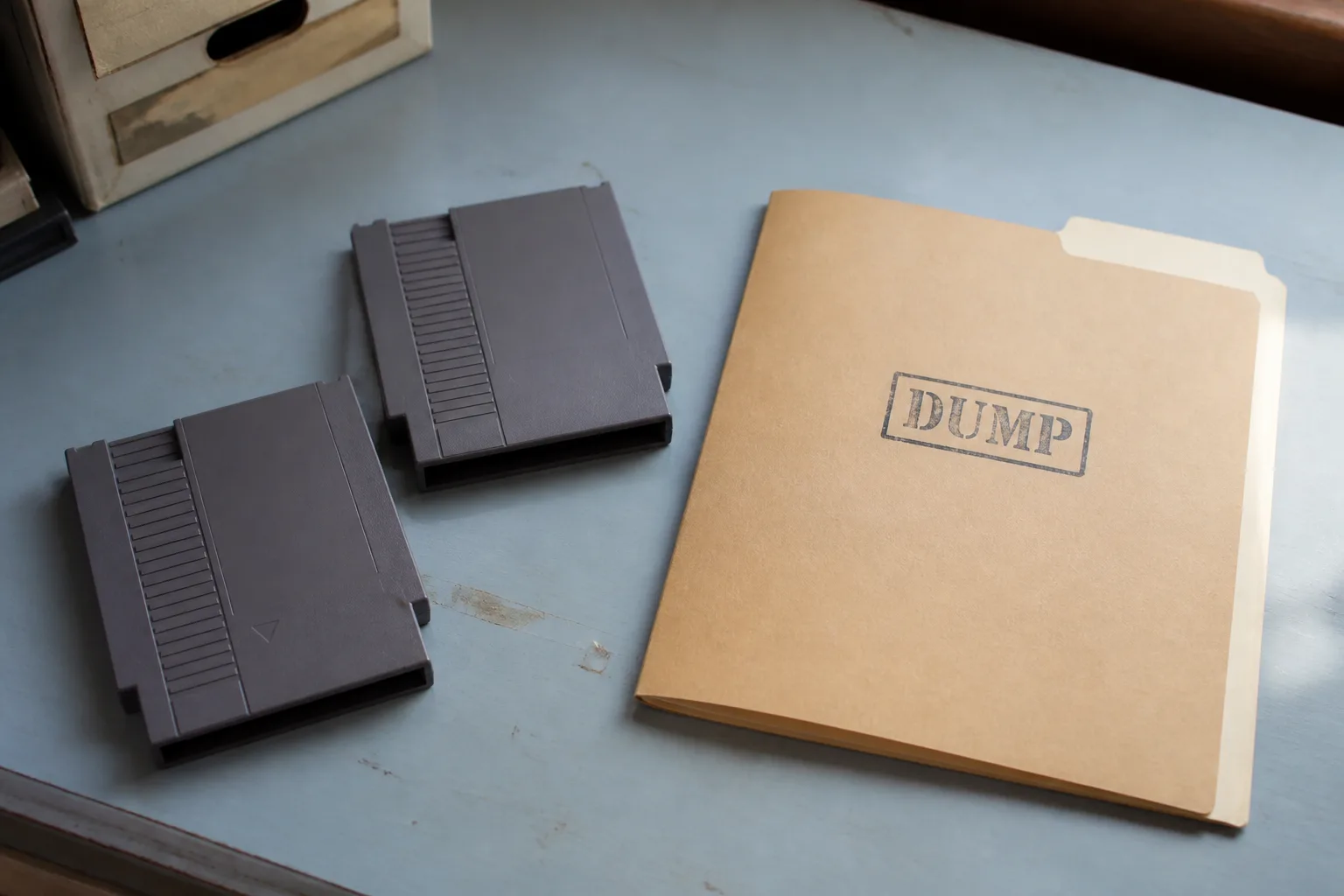
What the word covers on this bench
Ask five people what nintendo switch roms means and you get five answers, most of them wrong in a different direction. On this bench the word covers exactly one thing: a file holding the readable contents of a game, copied off media you already own using a dump tool. It is not a repackaged installer somebody assembled by hand. It is not a rebuilt title with parts swapped in. It is a copy of data that already exists on a cartridge or inside a purchased package on your console.
That definition matters because almost every argument about these files comes from people using the word for three unrelated objects at once. Once you separate the hardware, the data, and the container the data ships in, the rest of the vocabulary stops being confusing.
A cartridge is hardware, a dump is data
A retail card is a small board with flash memory and a controller. The console talks to that controller over a connector, and the controller decides what the console is allowed to read. Some of what lives on the card is game content. Some of it is bookkeeping: layout information, a header region, and areas the console checks before it will mount anything.
A dump reads that whole arrangement out and writes it down as a file. The important consequence is that a dump is inert. It cannot answer a console the way a controller does, so anything that depended on live handshaking with the card is gone. That is why a file can contain every byte of a game and still behave differently from the cartridge in your hand.
It also explains why cartridge images tend to be larger than people expect. The card was manufactured at a fixed capacity, and the image can carry the padding that comes with it unless the dump was trimmed.
Where a purchased digital package fits
A title bought without a card never had a cartridge at all. It arrived as content the console installed and then filed away internally, split into pieces with their own identifiers: the base title, any patch that came later, and any add-on content sold separately.
When that kind of purchase is copied out, the natural shape for it is an installable package rather than a card image, because there is no card layout to preserve. This is the practical reason a catalog carries two container types instead of one. If you want the side-by-side breakdown of how the two behave, we keep that on a separate page: Read NSP versus XCI.
Reading the labels on a listing
Three fields carry most of the weight. The container type tells you whether you are looking at a card image or an installable package. The version field tells you whether the file is a base title or something layered on top of one. The firmware field tells you which system version the content was built against, which is a separate matter from the version your console is running today; the difference is unpacked in our notes on firmware fields on a listing.
Two container names appear across the catalog and nowhere else in this text do they need decoding: Browse NSP files for installable packages, and Browse XCI files for card images. Compressed variants of either are not catalog formats here.
Ownership, research, and what this bench will not do
Everything above is written for one situation: you own the media, and you want a copy for backup or for looking at how the format is put together. Cartridges wear, cards get lost, and researchers need something they can inspect without a connector in the way. Those are the cases this documentation serves.
What it does not serve is the request underneath most searches on this topic, which is a shortcut around buying the game. There is no list here for that, and the storage side of the same question is covered from a different angle in our page on card capacity and dump sizes. If a listing looks wrong or a field contradicts itself, Report an issue rather than guessing.