DBI Nintendo Switch Homebrew: What the Installer Is
DBI is a name that turns up in backup discussions. This page says what class of program it is and what it accepts, and stops well short of a walkthrough.
The short definition
Search for dbi nintendo switch homebrew and you will land in threads that assume you already know what the three letters mean. Here is the missing sentence: DBI is a homebrew utility for Switch hardware that acts as a file manager and a title installer at the same time. It reads storage, lists what is installed, and writes packages into place. That is the whole category description.
It is community software, not console software. It does not ship with any console, it is not distributed through any storefront, and it only runs on hardware that has been put into a modified state by its owner. Everything else people say about it, good or bad, sits downstream of that one fact.
This page exists because the name shows up constantly next to file listings and readers deserve a straight answer about what they are looking at. It is a definition. It is not a manual, and the difference is deliberate.
What installers of this class accept
Tools in this family are built around the installable package format. On Switch hardware that means the NSP container: one title's program data, metadata and ticket material bundled into a single file that a console can register and install. If you want the format itself rather than the tooling, the NSP page covers what the container holds.
Cartridge images are a different animal. They describe the contents of a physical card rather than a shop entitlement, and installers treat them differently or not at all depending on the build. That distinction is the practical reason people end up reading Read NSP versus XCI before they decide which shape of file to keep.
Support varies between versions of any homebrew tool, sometimes substantially, because these projects change on their maintainers' schedule and not on anyone else's. Treat capability lists you find in old forum posts as historical. The notes distributed with the build in your hands are the only current source.
Why the name keeps appearing next to file listings
Two reasons, and neither of them is an endorsement. First, the tool covers the last step of a workflow that most guides skip: you have a package, and something has to put it on the console. Anything filling that slot gets named a lot. Second, it has a file manager attached, so the same program people use to install is the program they already have open when they want to check what is installed.
The result is that the name reads like a required component when it is really one option among several. Another installer name occupies the same slot in other people's write-ups, and the packages themselves do not care which one you picked. A container is a container.
If you are new to the wider category, the homebrew overview is the better starting point, because it frames what community software on this hardware is before you start sorting individual project names.
What this page will not do
No procedure. No launch method, no configuration, no network sources, no menu sequences, no troubleshooting for a tool this bench does not maintain. That is a policy, not an oversight, and it applies to every homebrew program named anywhere on this site.
The reasoning is simple. Publishing operating instructions for console modification pushes readers toward a decision this catalog has no business pushing, and the people who genuinely need those instructions already know where the maintainers publish them. Meanwhile a reader who arrived from a search engine wanting to know what a three-letter name means gets an answer without being steered anywhere.
There is a legal boundary running alongside the technical one. Making a personal backup of software you own for hardware you own is the framing this bench works within, and that framing is not a blanket permission slip; rules differ by country and this is not legal advice. Obtaining software you never bought is a different act, and no installer, this one or any other, changes that.
The part that actually affects your files
Whatever tool you use, the questions worth your attention are upstream of it. Does the container match the entry you thought you were getting? Does the identifier inside the file agree with the one in the listing? Is this a base title, an update layer or add-on content, given that the second and third are useless without the first? Get those right and the install step is uneventful. Get them wrong and no installer rescues you.
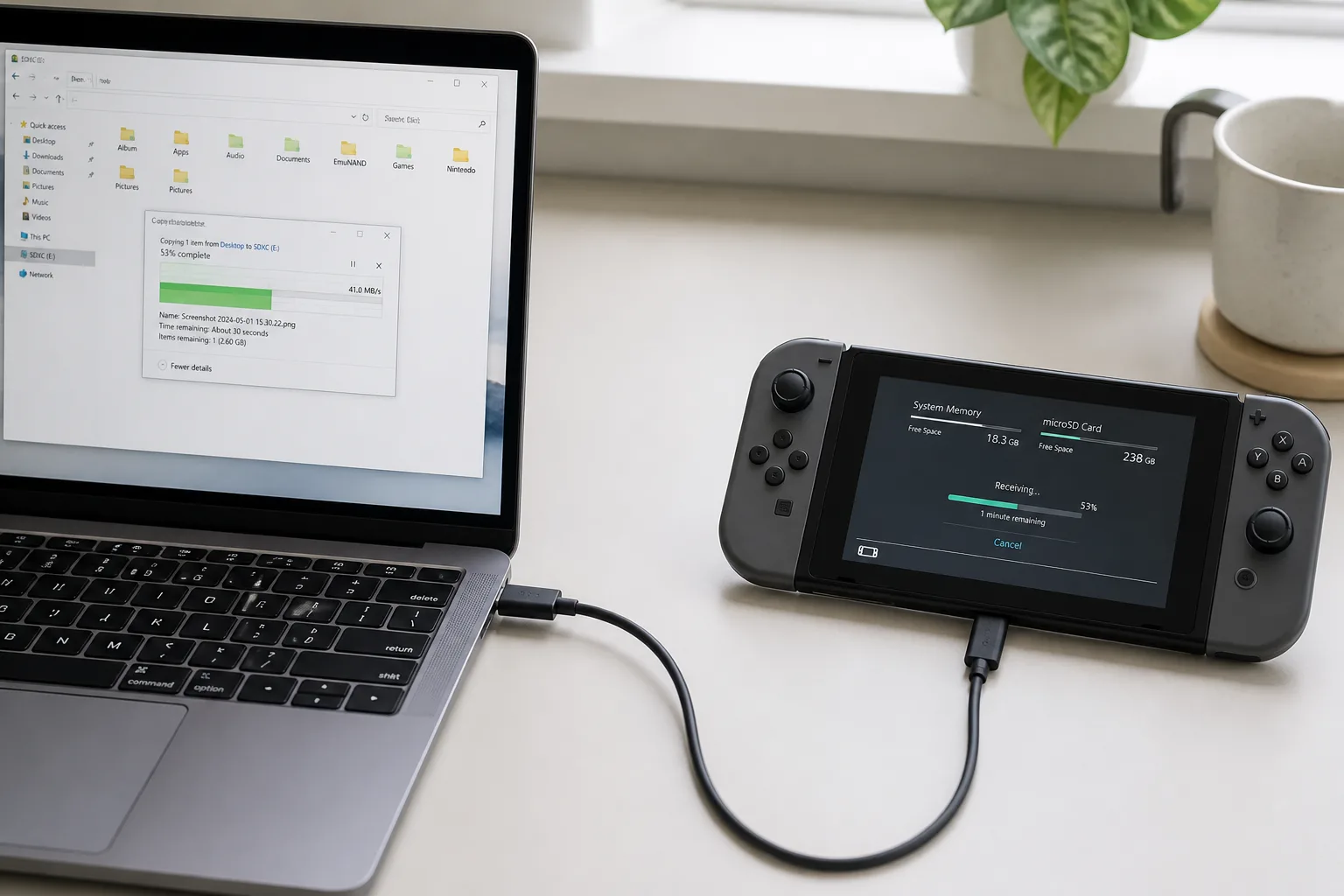
Storage is the other unglamorous half. Packages are large, the destination fills up faster than people expect, and a transfer that dies at ninety percent leaves you with a file that looks plausible and is not. Check free space before rather than during, and confirm the finished file rather than assuming a progress bar that reached the end told the truth.
If a listing here turns out to describe something other than what the file contains, that is a defect on our side. Report an issue with the row and what you found, or Open a ticket if you would rather talk it through. To work from the file side instead, Browse NSP files and start from the container.